
Share projects, duplicate floor plans and several cables per circuit
There are updates for you in myElectricPlan! From now on you can work on projects together, copy projects and floor plans in one click and plan circuits with several cables.
Work on projects together
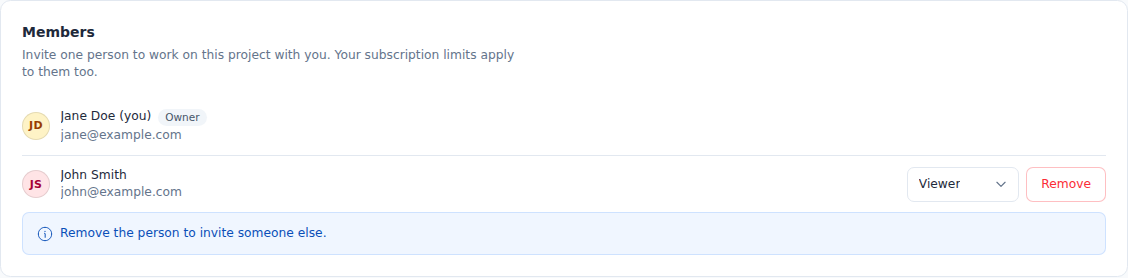
You can now share a project with another person. Invite them by email in the project settings under "Members". You can give the invited person one of two roles:
- Editor: Can edit plans and change project data
- Viewer: Can view the project but cannot edit anything
You can change the role at any time or remove the person again.
Duplicate projects and floor plans
You can now copy a whole project in the project settings.
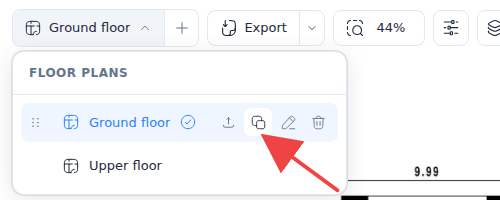
You can also copy single floor plans. To do so, open the list of your floor plans in the installation plan and click the copy icon next to the floor plan you want.
Several cables per circuit
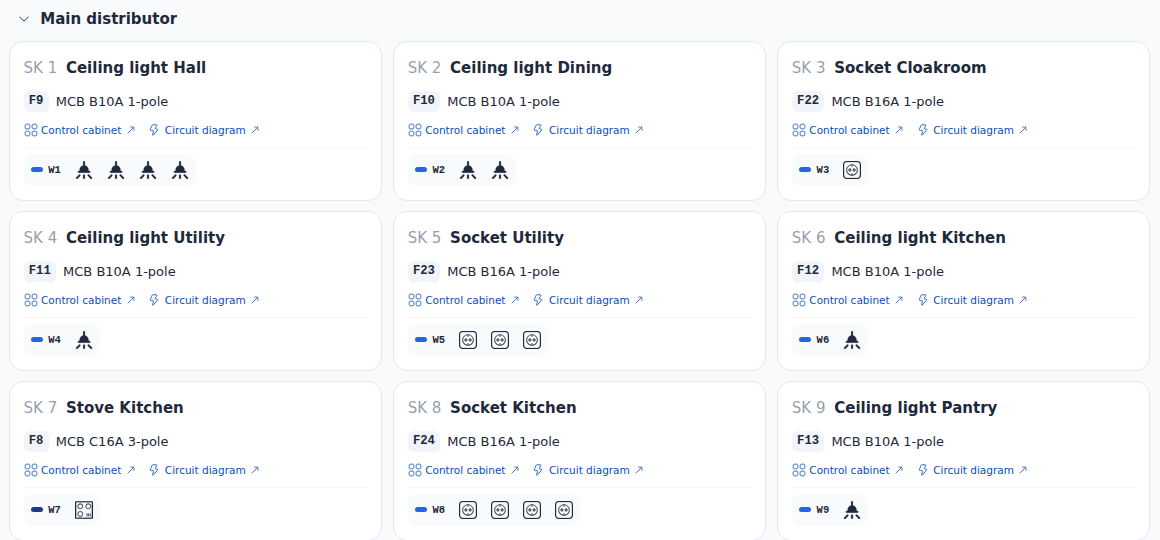
In the installation plan, a cable can continue into another cable at a symbol, for example at a branch. These cables belong to the cable that runs to the distributor, so their symbols are shown right in the circuit. The installation plan shows how each cable runs. The installation plan and your circuits stay in sync. The Circuits page also has a new preview of the installation plan. It shows you right away where the cables of a circuit run on the floor plan. You manage cable types in the standard library and the project library. That is also where you set how a cable looks on the plan. The parts list in the PDF export now lists the cables too.


